Free Receipt Maker — Create Professional Receipts Online
Create professional receipts instantly with Eonebill's free receipt maker. No signup required. Customize, preview, and download receipts in PDF format.
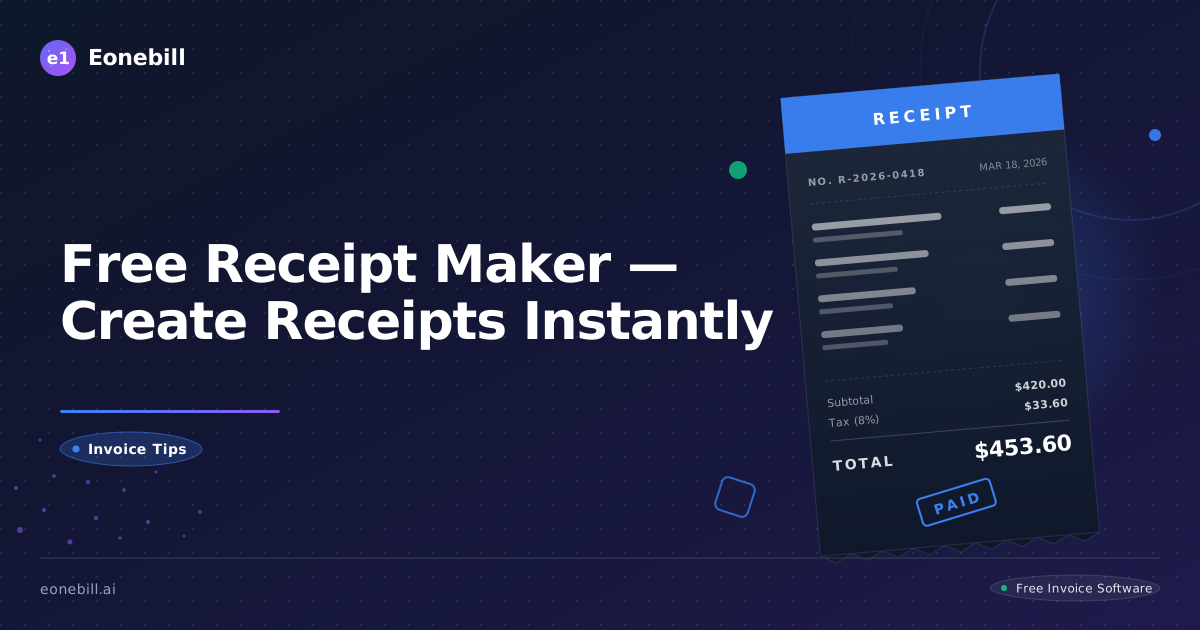
Free Receipt Maker — Create Professional Receipts Online
Need a receipt now? Eonebill's free receipt maker lets you create professional, customized receipts in seconds — no signup, no software to install, no design skills required.
How to Create a Receipt in 3 Steps
Step 1: Enter Your Business Details
Fill in your business name, address, phone number, and email. Add your logo if you have one.
Step 2: Add Customer and Transaction Info
Enter the customer's name, the date, and a list of items or services provided. The receipt maker automatically calculates subtotals, tax, and the grand total.
Step 3: Download or Email
Choose to download as a PDF to print, or email directly to your customer. Done.
What Our Receipt Maker Does
- Automatic calculations — subtotal, tax rate, and total are computed for you
- Professional formatting — every receipt looks polished and branded
- Multiple formats — download as PDF or Word document
- No signup required — start creating receipts immediately
- Mobile friendly — make receipts on your phone or tablet
Who Should Use a Receipt Maker?
- Retail stores — give customers proof of purchase
- Freelancers and consultants — provide professional receipts for services
- Contractors and tradespeople — document materials and labor
- Online sellers — create receipts for digital or physical product sales
- Any small business — keep clean financial records
What to Include When You Create a Receipt
| Field | Why It Matters |
|-------|---------------|
| Business name & address | Legal record + customer trust |
| Customer name | Track who purchased |
| Date | Record when transaction occurred |
| Receipt number | Reference for returns or disputes |
| Itemized products/services | Detailed record for accounting |
| Payment method | Cash, card, check, etc. |
| Total amount paid | Clear final figure |
Receipt vs. Invoice — Quick Comparison
| Feature | Receipt | Invoice |
|---------|---------|---------|
| When issued | After payment | Before payment |
| Purpose | Proof of payment | Request for payment |
| Shows amount paid | Yes | No (until paid) |
| Needed for tax records | Yes | Yes |
| Created with Eonebill | Yes | Yes |
Why Use Eonebill's Receipt Maker?
Most receipt makers are overly complicated or produce ugly, unprofessional documents. Eonebill is:
- Fast — create a receipt in under 60 seconds
- Professional — clean, branded layouts that impress customers
- Free to start — no credit card required
- Secure — your data is encrypted and private
Try Eonebill Free
Ready to make professional receipts the easy way? Start for free → No signup required to try the receipt maker.
Ready to manage invoices, contracts & proposals in one place? Try Eonebill free — no credit card required.
Start Free →Frequently Asked Questions
More Posts

Filing Taxes Late: Penalties, Extensions, and How to Catch Up (2026)
Missed the April deadline? Understand the 5 percent failure-to-file vs 0.5 percent failure-to-pay penalty difference, how Form 4868 extensions help, and the four-step protocol for catching up on years of unfiled returns.

Penalties for Not Filing a 1099: What Freelancers and Small Businesses Need to Know (2026)
Failing to file 1099 forms on time triggers escalating IRS penalties from 60 to 660 dollars per form. Learn the four-tier schedule, how to fix a missed filing, and when First-Time Penalty Abatement applies.

How to Write a Gentle Reminder Email (Templates + Examples)
Learn how to write a professional gentle reminder email that gets results. Includes 8 ready-to-use templates for invoices, meetings, deadlines, and more.
Newsletter
Join the community
Subscribe to our newsletter for the latest news and updates
Ready to streamline your freelance workflow?