Free Receipt Template
Download free receipt templates for any business. Itemized, sales, and professional receipt templates — no signup required. Customize and print instantly.
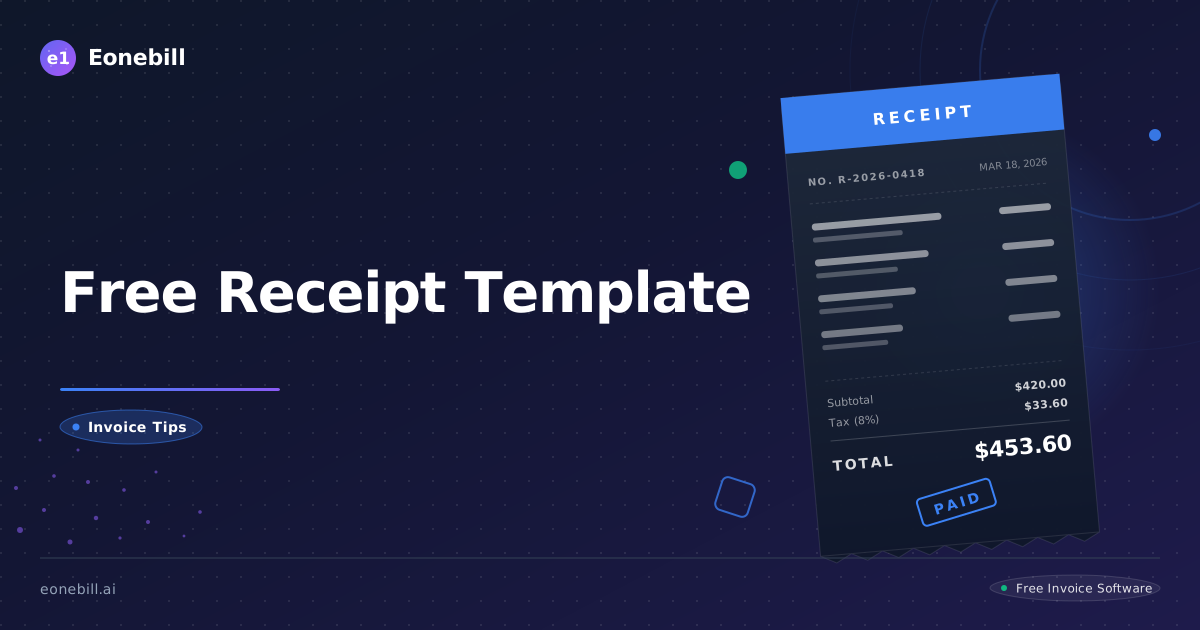
Free Receipt Template
Every business needs to provide receipts. Whether you run a retail shop, offer professional services, or sell products online, a professional receipt template keeps your records clean and your customers confident.
Download Free Receipt Template →
<div style="display:flex;gap:12px;flex-wrap:wrap;margin:1.5rem 0;">
<a href="/free-tools/receipt-generator" style="display:inline-flex;align-items:center;gap:8px;padding:12px 24px;background:#2343B5;color:white;border-radius:8px;font-weight:600;text-decoration:none;font-size:15px;">
📄 Generate Receipt Free
</a>
<a href="/free-trial" style="display:inline-flex;align-items:center;gap:8px;padding:12px 24px;background:#16a34a;color:white;border-radius:8px;font-weight:600;text-decoration:none;font-size:15px;">
🚀 Try Eonebill Free
</a>
</div>
Why You Need a Professional Receipt Template
A receipt is more than just proof of payment — it's a record-keeping tool, a customer trust signal, and a critical document for tax time. Using a consistent, branded receipt template projects professionalism and makes your business look established and trustworthy.
Free Receipt Templates Available
| Template | Best For | Format |
|---|---|---|
| Itemized Receipt | Retail, product sales | PDF / Word |
| Sales Receipt | Simple transactions | PDF / Word |
| Service Receipt | Consulting, freelance work | PDF / Word |
| Hotel/Accommodation Receipt | Travel businesses | PDF / Word |
| Blank Receipt | Fully customizable from scratch | PDF / Word |
How to Use Our Free Receipt Templates
- Choose a receipt template — pick the type that matches your business
- Download — get the template in your preferred format
- Customize — add your business name, logo, address, and details
- Print or email — give receipts in person or send digitally
What to Include on a Receipt
A complete receipt should contain:
- Business name and contact information
- Customer name and contact details
- Date of transaction
- Unique receipt or invoice number
- Itemized list of products or services
- Quantity and price per item
- Subtotal, tax, and total amount
- Payment method (cash, card, check, etc.)
- Payment terms if applicable (e.g., "due on receipt")
When to Give a Receipt
You should always provide a receipt:
- After any cash or card payment
- When a customer requests one for expense tracking
- At year-end for tax documentation
- When the transaction is over $25 (IRS recommendation for business expenses)
Receipt Template vs. Invoice — What's the Difference?
A receipt is issued after payment is received — it confirms the transaction has been completed. An invoice is sent before payment — it requests payment for goods or services.
Both documents are essential for proper financial record-keeping. Eonebill lets you generate both receipts and invoices in one place.
Try Eonebill Free — Generate Receipts Automatically
Stop creating receipts manually. Eonebill automates receipt generation, tracks every payment, and keeps your records tax-ready — automatically.
<div style="margin:2rem 0;">
<a href="/free-trial" style="display:inline-block;padding:16px 32px;background:#2343B5;color:white;border-radius:10px;font-weight:700;font-size:17px;text-decoration:none;box-shadow:0 4px 14px rgba(35,67,181,0.3);">
Try Eonebill Free →
</a>
<p style="margin-top:8px;font-size:13px;color:#666;">No credit card required · Free plan available</p>
</div>
Ready to manage invoices, contracts & proposals in one place? Try Eonebill free — no credit card required.
Start Free →Frequently Asked Questions
More Posts

Check Received in December, Deposited in January: Which Tax Year?
Find the tax year for a December customer check deposited in January, then match the bank entry without counting the income twice.

Form 1099-NEC Amount Wrong? How to Reconcile It
Trace a Form 1099-NEC Box 1 mismatch to specific invoices and payments, then send the payer a documented correction request.

How to Reconcile a Stripe Refund in a Later Payout
Trace a Stripe refund into a later payout, match the bank deposit, and link it to the original invoice with a worked two-month example.
Newsletter
Join the community
Subscribe to our newsletter for the latest news and updates
Ready to streamline your freelance workflow?