How to Match Invoices to Bank Payments Without Double Counting
Reconcile partial and combined payments, separate processor fees from customer balances, and connect invoices, payouts, and bank deposits with worked examples.

A $970 bank deposit arrives, but the invoice is for $1,000. Is the client still $30 short, or did a payment provider deduct a fee? Matching on the bank amount alone cannot answer that question.
For a US freelancer or small service business, the useful workflow has two checks: match each customer payment to the right invoice, then match the provider's payout to the bank deposit. Keep invoice balances and payout differences separate so a fee does not become a false customer debt.
This guide uses invented USD examples, with no sales tax, foreign currency, refunds, or disputes unless explicitly mentioned. The figures are arithmetic illustrations, not current provider pricing or tax advice. Official sources were checked on November 5, 2026. No tax-year-specific rates, thresholds, deadlines, or filing instructions are asserted.
Start with four records, not one matching amount
Collect the invoice, the actual payment record, any payout detail, and the bank transaction. Each answers a different question:
- Invoice: What did the customer owe, in which currency, and under which document number?
- Customer payment: What amount did the customer actually pay, and which transaction identifies it?
- Payout detail: Which payments and adjustments did the provider include in the transfer to your bank?
- Bank record: What amount reached the account, on what date, with which reference?
For a direct bank transfer, the payment and bank record may describe the same event. For a processor payout, they can be different events with different dates and amounts. Keep both references rather than overwriting one with the other.
A client's screenshot can help you investigate, but check the transaction in your own bank or provider account. A message saying “sent” is not the same as a verified payment. If a payment is pending, record its actual status and revisit it before treating the invoice as settled.
Build an invoice allocation log
Use a small log alongside your billing records. Give every payment one stable reference, and allow several allocation lines when it covers several invoices. This is a suggested workflow, not a required IRS form or a claim about an Eonebill automation feature.
For each allocation, record:
- Customer name and the original invoice number.
- Original invoice total and balance before this payment.
- Verified payment reference, date, currency, and amount.
- Amount applied to this invoice and balance remaining afterward.
- Evidence for the allocation, such as the client's remittance email.
- Review status and the person resolving any uncertainty.
Do not use the payer's display name as the only identifier. A company may pay through an owner, accounts-payable service, or parent business. Confirm the relationship through an established client contact if the records do not make it clear.
An invoice number in a transfer description is strong supporting information, but still compare customer, currency, amount, and earlier allocations. A familiar reference can be mistyped or reused. A unique bank transaction should not be allocated twice just because it appears in two downloads.
Work through one payment covering two invoices
Suppose a client has two unpaid invoices: INV-1105-A for $800 and INV-1105-B for $600. A verified $1,000 transfer arrives with the description “November work.” The amount does not tell you which invoice the client intended to pay.
Ask for a remittance note. In this invented example, the client confirms that $800 settles invoice A and $200 applies to invoice B:
- Payment received: $1,000. Save the single transfer reference, BANK-501.
- Applied to invoice A: $800. Its remaining balance becomes $0.
- Applied to invoice B: $200. Its remaining balance becomes $400.
- Unallocated part of BANK-501: $0. The two allocations total $1,000.
Keep two allocation lines linked to the same payment. Do not create two $1,000 payments, and do not mark both invoices fully paid. The combined original balance was $1,400; the verified payment reduces it to $400.
If a second $400 transfer later arrives and is confirmed for invoice B, add that new payment reference. The two customer payments total $1,400, and the two invoices then have no remaining balance. Preserve the earlier allocation rather than replacing history with a single “paid” note.
When the client has not confirmed an ambiguous allocation, flag it for review. Do not quietly choose an invoice simply to make an overdue report look better. Follow any allocation terms already agreed with the client and resolve uncertain cases with your bookkeeper.
Separate the customer's payment from the provider's payout
Now use a different, independent example. Invoice INV-1105-C is $1,000. Your provider record confirms that the customer paid the full $1,000, a hypothetical $30 fee was deducted, and the remaining $970 was paid into your bank.
There are two reconciliations:
- Invoice layer: $1,000 invoice minus $1,000 verified customer payment leaves $0 owed by the customer.
- Payout layer: $1,000 customer payment minus $30 documented fee equals the $970 bank deposit.
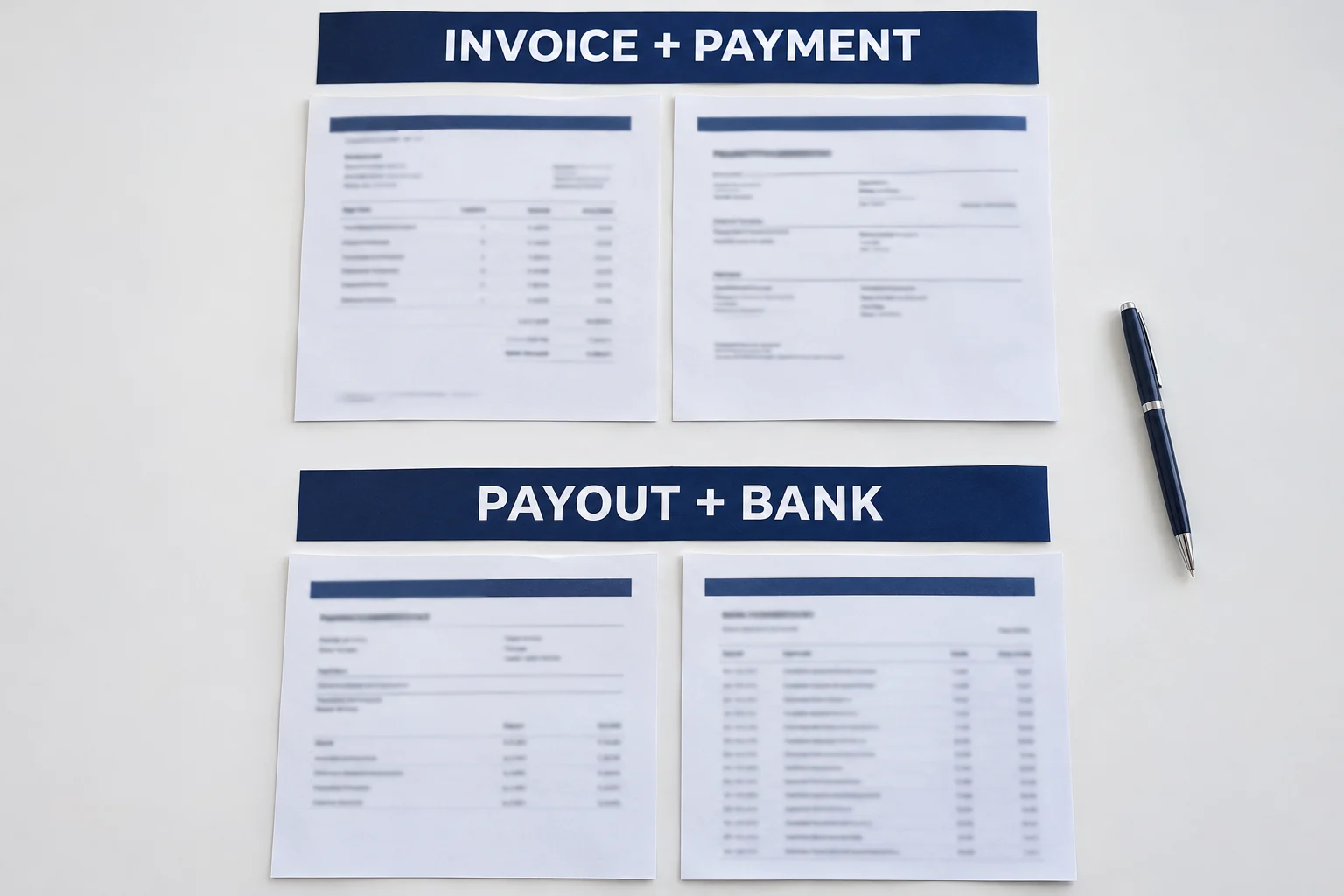
The $30 is explained by the provider record. It is not a customer shortfall in this example. If the customer actually paid only $970 and there is no fee deduction, the facts are different: investigate the missing $30 instead of inventing a processing charge.
For a provider-specific reference, Stripe's payout reconciliation documentation explains that automatic payouts can combine multiple transactions and provides ways to inspect their contents. It also distinguishes manual payouts, which require reconciliation against transaction history. Check the report for your actual payout type and provider.
A batch transfer may include several customers, fees, refunds, or other adjustments. List the documented components and check that they explain the deposit. Do not force a multi-customer payout onto one invoice because its amount happens to be similar. If some funds have not yet been paid out, retain that unresolved provider balance for the next review.
Investigate differences without changing the sale
A mismatch needs an explanation, not an edited invoice total. Work through the evidence in a consistent order:
- Missing invoice number: contact the client's known accounts-payable person and request the invoice numbers and amounts covered.
- Partial payment: allocate only the verified amount and retain the remaining balance.
- Combined payment: split it across the confirmed invoices, checking that the allocations equal the single payment.
- Provider deduction: retain the fee or adjustment detail and reconcile the net payout separately.
- Timing difference: check transaction status, payout period, and bank posting date before concluding money is missing.
- Duplicate import: compare transaction identifiers before recording another receipt.
- Unexplained excess: confirm whether it covers other work; if it is an overpayment, document its separate resolution.
For the last case, use the client overpayment guide. It explains a different task: resolving confirmed excess funds after the original invoice amount has been covered.
Do not label every difference a discount, refund, or write-off. Each would describe a different event and needs its own supporting facts. Ask your bookkeeper how to record the relevant accounts and adjustments. This operational matching process does not prescribe journal entries or determine tax treatment.
Ask for a remittance note the client can answer
Keep the request factual and avoid telling the client they are overdue before you have identified their payment. Here is an original message for the combined-payment example:
Subject: Allocation of your $1,000 transfer
“Hi Jordan, we can see your $1,000 transfer dated November 5, reference BANK-501. We have invoices INV-1105-A for $800 and INV-1105-B for $600 open. Please confirm the amount intended for each invoice, or send the remittance advice. We will update the allocations and confirm the remaining balance once matched. Thank you.”
After the client confirms the split, acknowledge the $800 and $200 allocations and the $400 still due on invoice B. Only describe a payment as received or settled when your own transaction record supports that status.
For future invoices, make the invoice number easy to find and ask the client to include it in the payment reference. If they regularly pay several invoices together, request a short list showing the amount for each. This can reduce ambiguity without promising automatic matching or faster payment.
Close the review with a traceable record
Before closing a reconciliation, check both totals and references:
- Every allocation points to an existing invoice and a verified payment.
- The sum allocated from a payment does not exceed that payment.
- Each invoice's remaining balance agrees with its original charge and supported adjustments.
- Each provider payout has a documented explanation connecting its components to the bank amount.
- Open differences have a clear next action and an owner.
The IRS supporting-record guidance identifies documents such as invoices, receipts, and deposit information as evidence for business records. Keep the allocation explanation with the transaction evidence so a reviewer can follow the trail. The IRS recordkeeping overview also explains the role of records in identifying income sources and supporting tax returns.
Prepare the billing document with Eonebill's free invoice generator, then keep the invoice number consistent across your payment log and client messages. The generator is the document step in this workflow; this guide does not claim that it connects bank feeds, matches payouts, or posts accounting entries.
General educational information for US freelancers and small businesses. Examples are invented. This is not individualized accounting, tax, or legal advice. A completed reconciliation does not by itself determine taxable income, deduction eligibility, or the correct reporting period.
Create this in 30 seconds — free invoice with Eonebill, no sign-up required.
Create Free Invoice →Frequently Asked Questions
More Posts

Check Received in December, Deposited in January: Which Tax Year?
Find the tax year for a December customer check deposited in January, then match the bank entry without counting the income twice.

Form 1099-NEC Amount Wrong? How to Reconcile It
Trace a Form 1099-NEC Box 1 mismatch to specific invoices and payments, then send the payer a documented correction request.

How to Reconcile a Stripe Refund in a Later Payout
Trace a Stripe refund into a later payout, match the bank deposit, and link it to the original invoice with a worked two-month example.
Newsletter
Join the community
Subscribe to our newsletter for the latest news and updates