How to Write a Payment Receipt
Learn which fields to include after a real payment is received, with a clear example for amount, date, method, payer, and reference.

Write a receipt after the payment has been received and verified. A receipt is different from an invoice: an invoice requests payment, while a receipt records payment received.
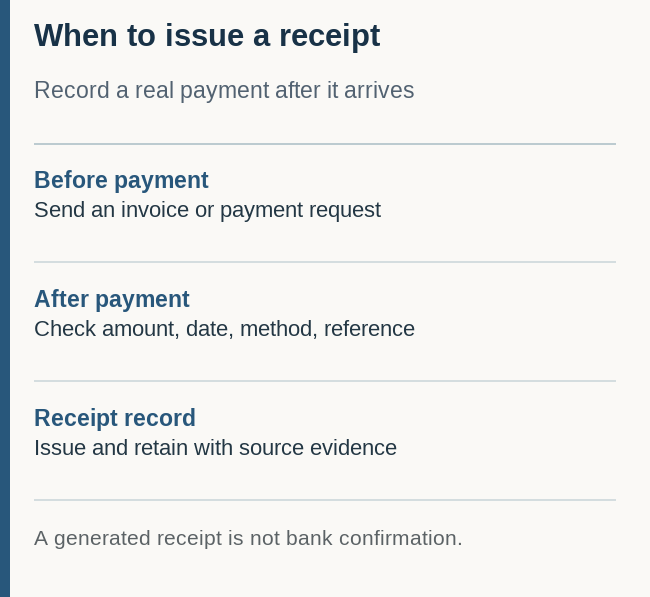
Include these fields
- receipt number and issue date
- payer and recipient names
- amount received and currency
- payment date and method
- transaction or confirmation reference, when available
- goods or services covered
- remaining balance, if any
- business contact details and a note that the record is for a real transaction
For a bank transfer, record the actual transfer reference supplied by the bank or payment provider. Do not invent a confirmation number or imply that Eonebill verified the transfer.
Example wording
“Payment received from Example Client on October 1, 2026 for website maintenance, USD 180.00, paid by bank transfer, reference provided by the payer. Sample record only.”
Use the free receipt generator to enter the fields and download a PDF. Review the amount, date, method, and reference before sending it. The generated record is not a bank-issued document.
Keep the evidence together
Store the receipt with the invoice, payment confirmation, and any refund or balance note. If the payment is reversed or only partially settled, update the record instead of leaving a misleading “paid” receipt.
Create this in 30 seconds — free invoice with Eonebill, no sign-up required.
Create Free Invoice →Frequently Asked Questions
More Posts

How to Resubmit an Invoice Rejected for a Missing PO Number
Resolve a missing purchase order reference, preserve the invoice history, and resubmit one traceable charge with a practical $1,250 example.

How to Invoice an Approved Change Order Without Billing Twice
Turn an approved scope addition into a traceable invoice. Reconcile prior billing with a $1,800 project and $360 change-order example.

How to Resend an Invoice Copy Without Charging Twice
Resend a lost invoice with its original reference, distinguish copies from corrections, and explain payments already received. Includes a $900 example.
Newsletter
Join the community
Subscribe to our newsletter for the latest news and updates