FreshBooks vs QuickBooks for Freelancers 2026
FreshBooks vs QuickBooks for freelancers — which accounting platform wins in 2026? Compare pricing, features, AI tools, and value for independent contractors.
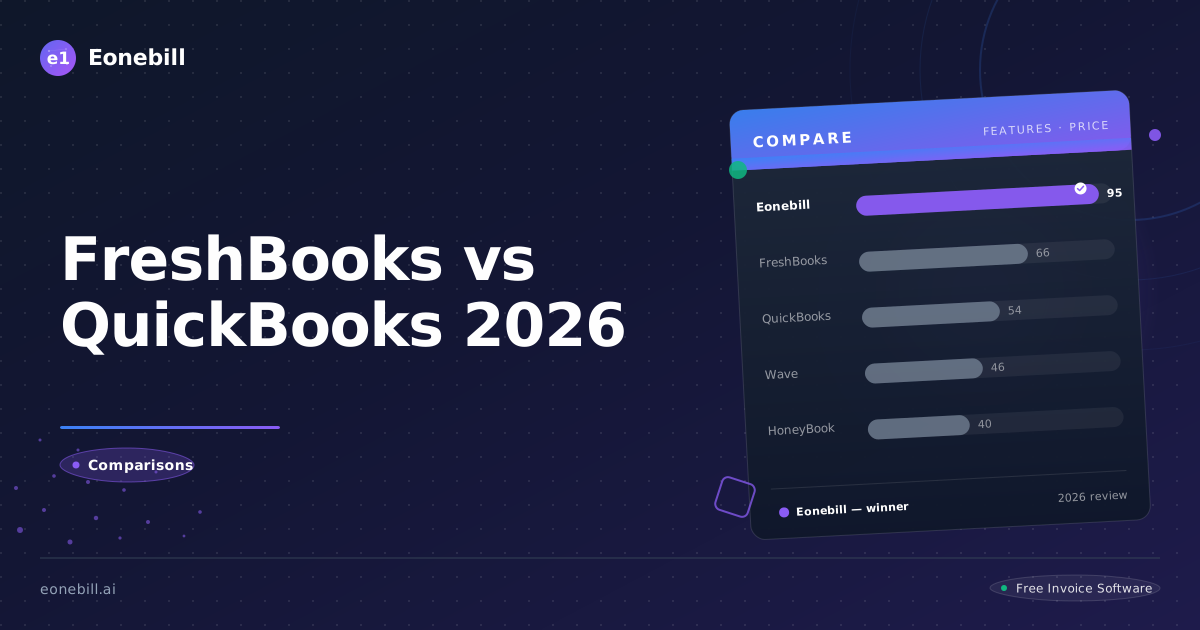
The freshbooks vs quickbooks freelancer debate is one of the most common questions we see from independent contractors trying to choose accounting software. Both platforms have massive brand recognition, long histories, and loyal user bases. But for freelancers specifically — people who need invoicing, expense tracking, and tax help without the complexity of running a small corporation — the answer isn't obvious. Let's break down exactly which platform delivers more value in 2026 and why, for most freelancers, both may actually be overkill.
How Do FreshBooks and QuickBooks Compare for Freelancers?
FreshBooks and QuickBooks are both accounting platforms, but they serve slightly different market segments. QuickBooks Online targets small businesses broadly. FreshBooks positions itself as the freelancer-friendly option within the Intuit family of products. Here's how they compare for the typical independent contractor:
| Criteria | FreshBooks | QuickBooks Online |
|----------|-----------|-------------------|
| Starting Price | $21/month | $35/month |
| Freelancer-Focused UI | Yes | No (designed for small businesses) |
| Invoice Creation | Excellent | Good |
| Expense Tracking | Good | Good |
| Time Tracking | Yes (built-in) | Add-on ($20/month) |
| Project Management | Yes (on Plus and above) | Limited |
| AI Features | Basic automation | Basic automation |
| Mobile App | Yes | Yes |
| Payroll | Add-on available | Add-on available |
| Inventory Management | No | Yes |
| Learning Curve | Moderate | High |
| Tax Preparation | Export to accountant | Export to accountant |
| G2 Rating | 4.5/5 | 4.0/5 |
Key Features Comparison
Invoice Creation and Customization
FreshBooks wins on invoice design. It offers beautiful, customizable templates that make your freelance business look professional. The invoice editor is intuitive, supports automatic billing for recurring clients, and includes time tracking integration that makes billing for services seamless.
QuickBooks Online's invoice editor works but feels more corporate. Templates are functional rather than beautiful, and the interface is cluttered with options that freelancers don't need. That said, if you need to invoice for products (not just services), QuickBooks has the edge.
Expense Tracking
Both platforms offer solid expense tracking. Connect your bank account, categorize transactions, and generate reports. The difference is in the details:
- FreshBooks: Cleaner interface, freelancer-oriented categories, easier receipt attachment
- QuickBooks: More robust categorization options, better for multi-category businesses, but the interface can overwhelm freelancers
For pure simplicity, FreshBooks is more pleasant for freelancers. For maximum categorization flexibility, QuickBooks has more depth.
Time Tracking
This is a significant differentiator. FreshBooks includes time tracking in all paid plans — you can track hours against projects and bill them directly to clients. QuickBooks charges an additional $20/month for time tracking (QuickBooks Time), which feels like a nickel-and-dime move when freelancers are already paying $35+ per month for the base platform.
Project and Client Management
FreshBooks Plus ($42/month) and above include project management tools that work well for freelancer workflows. You can create projects, assign time and expenses, and generate client reports.
QuickBooks doesn't have true project management — it has customers, jobs, and classes, which function differently. For freelancers managing multiple projects for multiple clients, FreshBooks' approach is more intuitive.
Pricing: Which Offers Better Value?
This is where the freshbooks vs quickbooks freelancer decision gets real. Let's look at the actual numbers:
FreshBooks Pricing (2026)
| Plan | Monthly Cost | Key Freelancer Features |
|------|-------------|------------------------|
| Lite | $21/month | 5 clients, invoices, expense tracking, time tracking |
| Plus | $42/month | 50 clients, project management, automated late payment reminders |
| Premium | $78/month | Unlimited clients, all Plus features, advanced reporting |
| Select | Custom | Dedicated account manager, advanced automation |
QuickBooks Online Pricing (2026)
| Plan | Monthly Cost | Key Features |
|------|-------------|--------------|
| Simple Start | $35/month | Basic invoicing, expense tracking, sales tax tracking |
| Essentials | $55/month | Everything in Simple Start + time tracking (extra), bill management |
| Plus | $85/month | Everything in Essentials + inventory, project tracking |
| Advanced | $150/month | Everything in Plus + advanced reporting, dedicated support |
Additional QuickBooks costs often forgotten:
- QuickBooks Time (time tracking): $20/month
- QuickBooks Payroll: $50/month minimum
- Payment processing: 2.9% + $0.25 per transaction
The Honest Cost Comparison
For a typical freelancer who needs invoicing, expense tracking, and time tracking:
- FreshBooks Plus: $42/month (includes time tracking and project management)
- QuickBooks Essentials + Time: $55 + $20 = $75/month (before payroll)
QuickBooks costs nearly double for equivalent freelancer functionality. At $42/month, FreshBooks delivers better value for the typical independent contractor.
AI Capabilities: Neither Platform Leads
Both FreshBooks and QuickBooks have tiptoed into AI, but neither has made it a core differentiator. Here's what to expect:
FreshBooks AI:
- Automated invoice categorization suggestions
- Smart payment reminder timing (on Plus and above)
- Anomaly detection for unusual transactions
- Mobile receipt scanning with auto-extraction
QuickBooks AI:
- Automated transaction categorization
- Cash flow forecasting (on Advanced plan)
- Invoice data extraction from receipts
- Smart reminders for missing information
Neither platform has invested heavily in AI as a true differentiator for freelancers in 2026. They remain traditional accounting software with minor AI enhancements.
Who Should Choose FreshBooks?
FreshBooks is the better fit if:
- You're a freelancer or sole proprietor with service-based income
- You want a clean, intuitive interface without a steep learning curve
- Time tracking integrated directly into your billing is important
- You're budget-conscious but willing to pay for good design
- You prefer one platform that does everything simply rather than a powerful but complex tool
- You value customer support and a strong mobile app
FreshBooks is genuinely designed for the freelancer use case. It doesn't try to be everything to everyone, which is refreshing.
Who Should Choose QuickBooks?
QuickBooks is the right choice if:
- You have employees or contractors and need payroll
- You sell physical products and need inventory management
- Your accountant is already set up with QuickBooks and requires specific data formats
- You're running a multi-entity business structure
- You need the most robust integration ecosystem (hundreds of third-party apps)
- You're already at a scale where the complexity is justified
QuickBooks is a serious business platform. For a solo freelancer, it's frequently more than necessary.
Final Verdict: FreshBooks vs QuickBooks for Freelancers
For most freelancers in 2026, FreshBooks wins on the freshbooks vs quickbooks freelancer comparison. It costs less, has a gentler learning curve, includes time tracking without add-on fees, and is genuinely designed for the freelancer workflow.
That said, both platforms remain fundamentally traditional accounting software with price tags that feel steep for solo practitioners. If you're looking for something that's:
- More affordable than both options
- Actually built around AI from the ground up
- Designed specifically for freelancers, not adapted from small business tools
Eonebill deserves your attention. At $0 for 6 AI-generated invoices per month, or $19.99/month for the full Pro suite, it delivers a genuinely different value proposition.
Ready to explore a smarter approach to freelance invoicing? Try Eonebill Free — no credit card required. See how AI-native invoicing compares to traditional accounting tools.
For more comparison options, read our Eonebill vs QuickBooks guide or check out the best invoice app for freelancers 2026.
Ready to switch? Start for free — no credit card, no contracts, just faster payments.
Start Free →Frequently Asked Questions
More Posts

Filing Taxes Late: Penalties, Extensions, and How to Catch Up (2026)
Missed the April deadline? Understand the 5 percent failure-to-file vs 0.5 percent failure-to-pay penalty difference, how Form 4868 extensions help, and the four-step protocol for catching up on years of unfiled returns.

Penalties for Not Filing a 1099: What Freelancers and Small Businesses Need to Know (2026)
Failing to file 1099 forms on time triggers escalating IRS penalties from 60 to 660 dollars per form. Learn the four-tier schedule, how to fix a missed filing, and when First-Time Penalty Abatement applies.

How to Write a Gentle Reminder Email (Templates + Examples)
Learn how to write a professional gentle reminder email that gets results. Includes 8 ready-to-use templates for invoices, meetings, deadlines, and more.
Newsletter
Join the community
Subscribe to our newsletter for the latest news and updates