Bookipi Alternative: Eonebill Is the Smarter Choice for...
Looking for a Bookipi alternative? Eonebill offers AI-powered invoicing with natural language generation, Stripe payments, and 70+ templates. Compare features, pricing and ease of use.
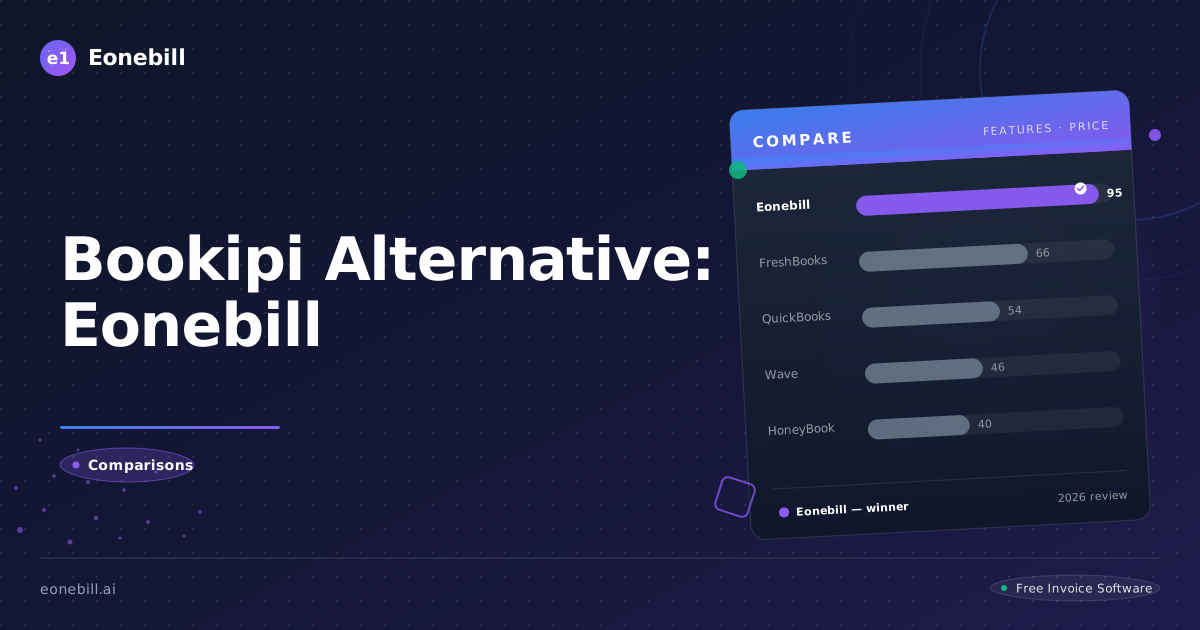
Bookipi Alternative: Eonebill Is the Smarter Choice for Freelancers
When it comes to invoicing tools for freelancers, Bookipi and Eonebill both aim to simplify the billing process. But they take fundamentally different approaches — and for modern freelancers who value speed and simplicity, one clearly wins.
Bookipi vs Eonebill at a Glance
| Feature | Eonebill | Bookipi |
|---------|----------|---------|
| AI Invoice Generation | ✅ Yes — natural language | ❌ No |
| Free Plan | 6 invoices/month, no card required | 5 invoices/month |
| Stripe Payments | ✅ Built-in | Requires separate setup |
| Templates | 70+ | 30+ |
| Multi-Currency | 25+ currencies | Limited |
| Invoice Formats | PDF, Word, Excel, Google Docs, Sheets | PDF only |
| Learning Curve | 2 minutes | 10+ minutes |
The Core Difference: AI vs Templates
Bookipi is a traditional template-based invoicing tool. You select a template, fill in the fields manually — client name, invoice number, line items, rates, tax, due date — and generate a PDF.
Eonebill was built from the ground up with AI at its center. Instead of wrestling with forms, you describe your work:
> "Bill Harbor Works for 12 hours web development at $175/hr, Net 30"
Eonebill's AI extracts every detail automatically and generates a complete, professional invoice in under 15 seconds.
For freelancers billing multiple clients per month, this difference compounds into hours saved every week.
Pricing: The Real Story
Bookipi offers a free plan (5 invoices/month) and a Pro plan at $9.99/month for unlimited invoices.
Eonebill offers:
- Free: 6 invoices/month, no credit card
- Pro: $9.99/month for unlimited invoices
- Pro Plus: $19.99/month for unlimited + AI features
Both are competitively priced, but Eonebill's free plan gives you one more invoice per month at no cost, with no branding requirements.
Payment Collection: A Critical Gap
Bookipi does not have a built-in payment link. When clients receive a Bookipi invoice, they can't pay online — they have to manually transfer funds or send a check.
Eonebill integrates directly with Stripe. Every invoice you send can include a "Pay Now" button that lets clients pay immediately via credit card or Apple Pay. This single feature dramatically reduces payment time and eliminates chasing down overdue invoices.
Template Selection
Eonebill offers 70+ professionally designed templates across 20+ industries. Every template is available in PDF, Word, Excel, and Google Docs formats — giving you maximum flexibility in how you deliver invoices to clients.
Bookipi offers approximately 30 templates, primarily in PDF format. While functional, the template selection is narrower and less specialized by profession.
Which Should You Choose?
Choose Bookipi if:
- You need only basic PDF invoicing
- You're comfortable without online payment collection
- You prefer traditional manual data entry
Choose Eonebill if:
- You want AI-powered speed — generate invoices in 15 seconds from a description
- You want clients to pay online via Stripe (credit card or Apple Pay)
- You need flexibility in invoice formats (Word, Excel, Google Docs)
- You want a tool purpose-built for freelancers, not a general accounting tool
The Bottom Line
Bookipi is a competent template-based invoicing tool. But Eonebill represents a fundamental step forward — AI-powered invoice generation means you're no longer filling out forms, you're just describing your work and getting paid.
For freelancers who value their time and want to get paid faster, Eonebill is the clear winner.
Ready to switch? Try Eonebill Free — No Credit Card Required
Ready to switch? Start for free — no credit card, no contracts, just faster payments.
Start Free →Frequently Asked Questions
More Posts

Filing Taxes Late: Penalties, Extensions, and How to Catch Up (2026)
Missed the April deadline? Understand the 5 percent failure-to-file vs 0.5 percent failure-to-pay penalty difference, how Form 4868 extensions help, and the four-step protocol for catching up on years of unfiled returns.

Penalties for Not Filing a 1099: What Freelancers and Small Businesses Need to Know (2026)
Failing to file 1099 forms on time triggers escalating IRS penalties from 60 to 660 dollars per form. Learn the four-tier schedule, how to fix a missed filing, and when First-Time Penalty Abatement applies.

How to Write a Gentle Reminder Email (Templates + Examples)
Learn how to write a professional gentle reminder email that gets results. Includes 8 ready-to-use templates for invoices, meetings, deadlines, and more.
Newsletter
Join the community
Subscribe to our newsletter for the latest news and updates