7 Best Invoice Ninja Alternatives in 2026 (Free & Paid)
Compare seven Invoice Ninja alternatives for PDF invoices, cloud billing, bookkeeping, and self-hosting. Check free-plan limits, payment fees, and migration needs.
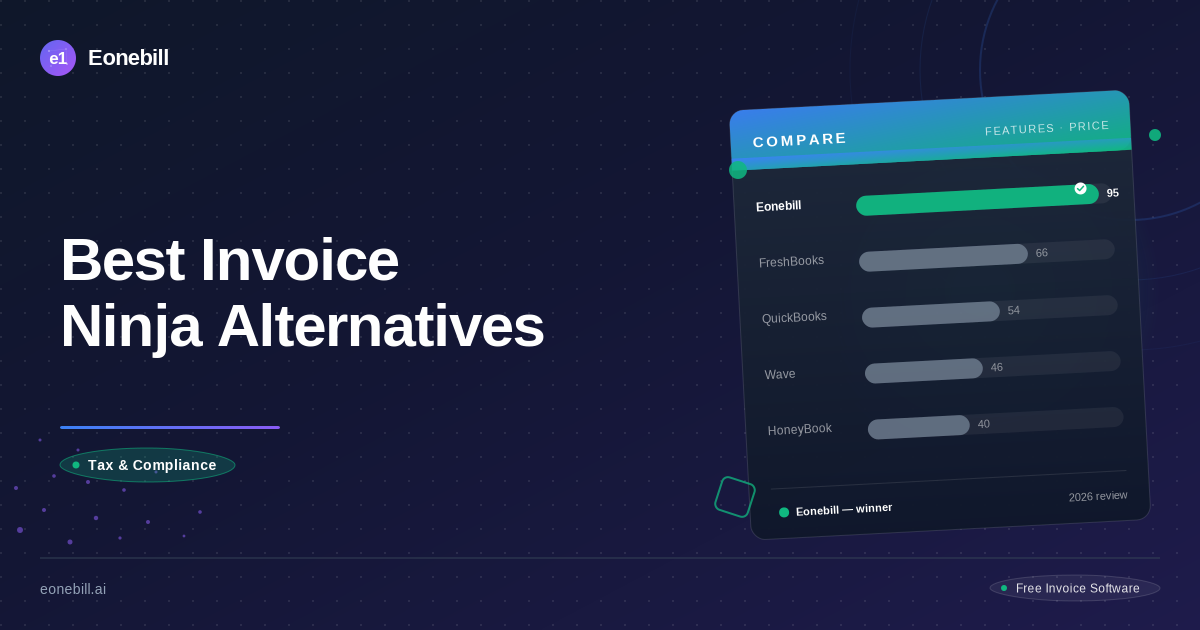
Choose Between Cloud Billing and Self-Hosting First
Invoice Ninja offers hosted plans as well as a self-hosted option. You do not have to maintain a server to use its hosted service. Before switching, decide whether you need a different billing workflow or simply want to stop running your own installation. The official Invoice Ninja plans include a hosted free tier and paid tiers with different client limits and features.
This guide is published by Eonebill, one of the seven alternatives below. These are workflow-based options, not an independent ranking or a claim that every competitor is slower, less capable, or more expensive. Official product pages were reviewed on November 2, 2026. Check availability, limits, and charges for your country and account before subscribing.
Seven Invoice Ninja Alternatives by Use Case
1. Eonebill: An Editable Invoice and PDF
For a one-off billing document, use the free invoice generator to enter business details, check the preview, and download a PDF. For account features and allowances, consult Eonebill pricing. This is a different decision from selecting a self-hosted accounting or billing system.
Check the boundary: Creating a document is not collecting a payment. Payment-provider charges can still apply to online payments. Do not assume a subscription eliminates those charges, includes every account feature, or guarantees annual savings.
2. Wave: Invoices and Bookkeeping Records
Wave offers a Starter plan for invoice creation and bookkeeping records, with additional automation in Pro. Review the features included in each tier and the separate online-payment charges on Wave's pricing page.
Consider it when: You want invoicing and bookkeeping together in a hosted product. Check country eligibility and whether your required bank imports, reminders, and receipt features need a paid plan.
3. Invoice Simple: Focused Invoice and Estimate Creation
Invoice Simple offers plans for estimates, invoices, receipts, and payment collection. Invoice allowances differ by plan, so compare your normal monthly volume against the limits shown on Invoice Simple's pricing page.
Consider it when: You want a focused document workflow, including on a phone. A trial is not a permanent free plan; confirm the ongoing subscription and payment terms before moving repeat billing.
4. Zoho Invoice: A Free Hosted Invoicing Option
Zoho's US pricing page lists Zoho Invoice as free. It includes invoicing, quotes, time and expense tracking, and payment reminders. It is not the same product as Zoho Books or Zoho Billing, and their pricing should not be presented as a Zoho Invoice subscription. Verify current limits and availability on Zoho Invoice's official pricing page.
Consider it when: You want a hosted invoice workflow without a software subscription. Check any usage limits and payment-gateway charges separately; free software does not mean every payment is free.
5. PayPal Invoicing: Invoices with a Payment Link
PayPal supports invoice creation, sharing, and payment-status tracking. Customers do not necessarily need a PayPal account to pay. Payment options and fees depend on the transaction and market; use PayPal's invoice page to verify the options relevant to your customers.
Consider it when: Your main need is sending a payment-enabled invoice through PayPal rather than running your own billing application. Test the actual checkout options before changing client payment instructions.
6. FreshBooks: Time and Expense Billing
FreshBooks combines invoices with time tracking, expenses, and accounting features. Subscription tiers differ in client limits and capabilities. Check regular prices after promotions, extra users, and payment charges on FreshBooks' pricing page.
Consider it when: Your invoice starts with tracked client hours and expenses. Compare the tier you actually need rather than the lowest advertised introductory price.
7. InvoicePlane: A Self-Hosted Alternative
InvoicePlane describes its product as a self-hosted, open-source application for quotes, invoices, clients, and payments. This makes it a different option from the hosted products above, not a way to remove hosting responsibilities.
Consider it when: Control over the installation is a requirement and you have someone responsible for hosting, updates, security, and backups. Review installation requirements, supported integrations, and restore procedures before migrating live billing data.
When Staying with Invoice Ninja Makes Sense
If your only concern is server maintenance, compare Invoice Ninja's hosted plans before migrating to another product. If you need control over your installation, evaluate its self-hosted edition against alternatives such as InvoicePlane. The responsibilities differ by deployment model, not simply by brand name.
Check client limits, team access, recurring billing, reports, branding, payment integrations, and export requirements against your actual workflow. Self-hosting does not imply unlimited rights or zero operating costs; review the applicable license, branding terms, hosting expenses, and maintenance responsibilities.
Compare Total Cost and Practical Limits
- One-off PDF: A document generator can be enough if you do not need saved clients, payment collection, or a billing workspace.
- Hosted free tier: Check invoice and client limits, branding, reminders, and export access. Free tiers differ between products.
- Paid hosted plan: Compare regular subscription charges, users, add-ons, and included features after any introductory offer.
- Self-hosted installation: Include hosting, backups, monitoring, upgrades, support, and any applicable license or branding costs.
- Online payments: Payment-processing charges are separate from software pricing unless the provider explicitly says otherwise. Compare your payment methods, countries, and currencies.
No universal savings amount follows from this comparison. The right choice depends on your current plan, transaction volume, required features, and who will maintain the system.
Migration Checklist
- Export and retain invoices, customer records, and payment history where supported. Keep access to historical documents.
- Reconcile outstanding balances, partial payments, credits, and refunds before moving live billing.
- Test a draft invoice in the destination tool, including your currency, taxes, invoice numbering, due date, and PDF output.
- Verify how custom fields, recurring schedules, client records, and payment integrations will transfer. Do not assume a one-click import exists.
- Coordinate the cutover with clients and avoid duplicate recurring invoices or payment requests. Retire the old workflow only after reconciliation.
Start with an invoice template if you only need a different document layout. For a related payment-focused comparison, read Square Invoices alternatives.
Ready to switch? Start for free — no credit card, no contracts, just faster payments.
Start Free →Frequently Asked Questions
More Posts

How to Invoice an Approved Change Order Without Billing Twice
Turn an approved scope addition into a traceable invoice. Reconcile prior billing with a $1,800 project and $360 change-order example.

How to Resend an Invoice Copy Without Charging Twice
Resend a lost invoice with its original reference, distinguish copies from corrections, and explain payments already received. Includes a $900 example.

How to Invoice a Partial Delivery Without Billing Twice
Bill split shipments clearly: link each delivery note to its invoice, track quantities already billed, and avoid charging twice. Includes a $480 worked example.
Newsletter
Join the community
Subscribe to our newsletter for the latest news and updates