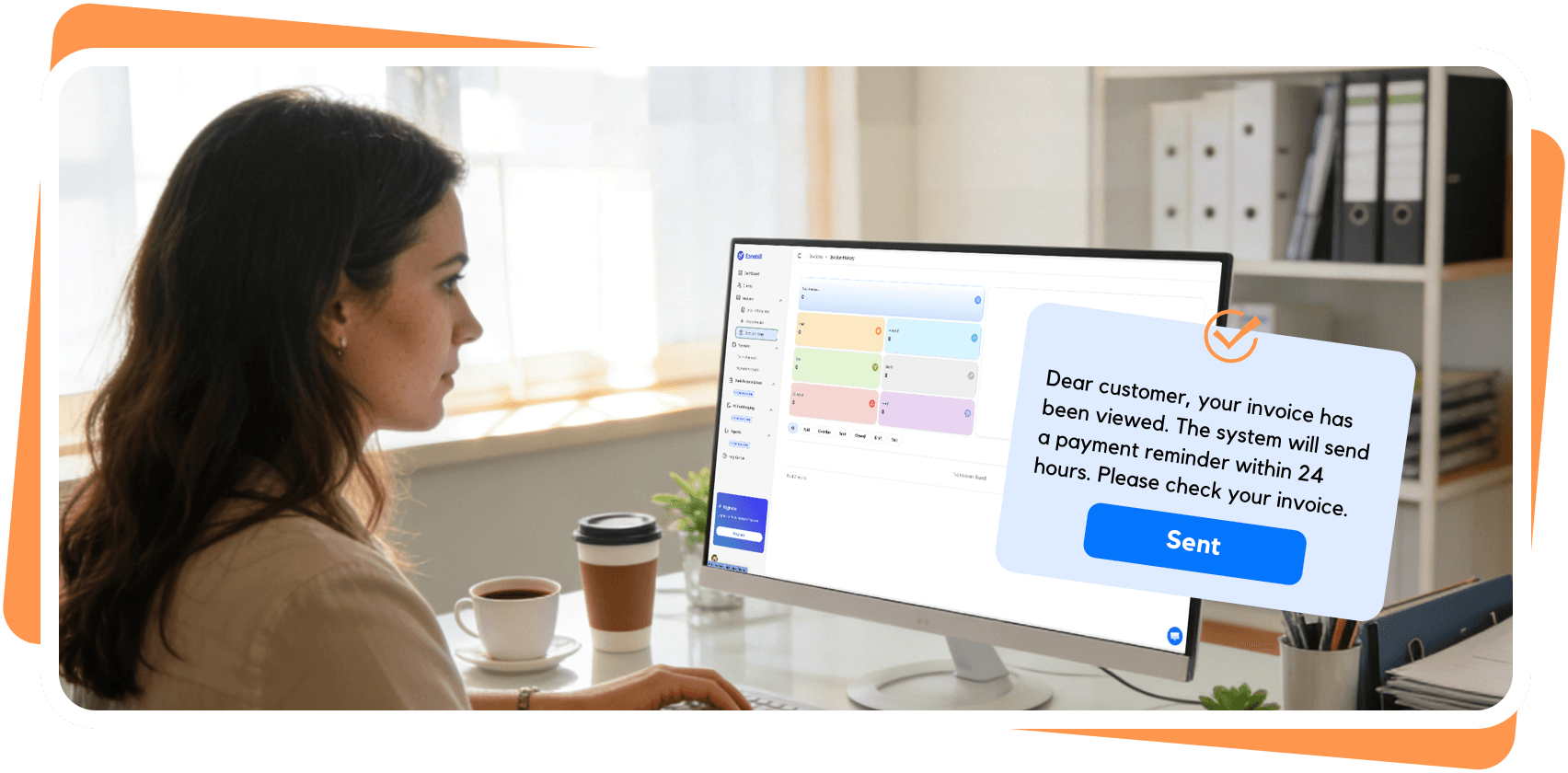
Looking for a free Invoicer.ai alternative? Eonebill is AI-powered, free to start, and built for freelancers who want to create invoices in seconds.
If you've been searching for an Invoicer.ai alternative, you're not alone. Thousands of freelancers and small business owners are waking up to the reality that traditional invoicing software — even "automated" ones — still mean hours of manual work, rigid templates, and monthly fees before you've sent a single invoice.
Invoicer.ai has served its audience well, particularly for businesses that need high-volume recurring invoice automation. But for the freelancer who just wants to create a clean, professional invoice in under a minute — without learning a complex system or handing over a credit card — there's a better fit.
That better fit is Eonebill.
In this guide, we'll walk you through exactly why freelancers are making the switch, what you gain (and what you don't lose), and how to migrate in under 10 minutes.
What Is Invoicer.ai?
Invoicer.ai is an online invoicing platform focused on automating the billing workflow for small businesses and freelancers. Its core strengths include:
- Automated invoice generation — set up recurring invoices on a schedule
- Expense tracking — built-in tools for managing business expenses alongside invoices
- Unlimited invoices on paid plans — no cap on invoice volume once you're on a paid tier
- Stripe integration — accepts online payments through Stripe
Invoicer.ai works well for established businesses with consistent billing cycles. Its automation features are genuine time-savers for teams that invoice the same clients on a recurring basis.
However, Invoicer.ai is not AI-native. Invoices are still built from templates — you fill in fields, select options, and generate. It also requires a credit card to start, and there is no free plan. For freelancers just getting started or those who invoice irregularly, these friction points add up.
Why Freelancers Are Looking for an Alternative
In 2026, the freelance economy demands tools that work at freelancer speed. Here's what's driving the migration away from traditional invoicing platforms like Invoicer.ai:
Cost without commitment. Starting at $9.99/month with no free tier means you're paying before you've even sent an invoice. Freelancers working with variable client volumes often can't justify a fixed monthly cost.
Template fatigue. Template-based invoicing still requires manual data entry. Every field, every line item, every client detail — you're doing the work that software should handle.
No learning investment. Many freelancers are self-taught in business basics. Tools without educational resources (glossaries, guides, free tools) force users to figure out terms and processes on their own.
Credit card friction. Requiring a credit card upfront creates a barrier to entry. Freelancers trying out a tool before committing shouldn't need to hand over payment details just to evaluate the product.
No AI advantage. Invoicer.ai automates recurring workflows but doesn't use AI to generate invoices. You still build every invoice manually — you just do it on a schedule.
Introducing Eonebill: The Invoicer.ai Alternative Built for Freelancers
Eonebill is an AI-powered invoice generator designed specifically for freelancers and small businesses who want professional invoicing without the complexity or upfront cost.
Here's what sets Eonebill apart:
AI Invoice Generation. Type a simple description — "invoice Sarah for web design work, 10 hours at $75/hour" — and Eonebill's AI builds the invoice. No templates. No manual field-filling. Just natural language.
Free to start, no credit card required. Eonebill's free plan gives you 6 invoices per month at zero cost. No card. No commitment. Start today.
88+ Page Invoice Glossary. Eonebill includes one of the most comprehensive free invoicing education resources online. Whether you need to understand net-30 terms, 1099 requirements, or what a proforma invoice is — it's all in the glossary.
28 Free Tools. Beyond invoicing, Eonebill offers a suite of free business tools: quote generators, receipt creators, pay stub generators, mileage trackers, ROI calculators, and more. All free, all integrated.
Contract & Quote Templates. Professional contract templates and quote templates are included at no extra cost — something Invoicer.ai doesn't offer.
Feature-by-Feature Comparison
| Feature | Eonebill | Invoicer.ai |
|---|---|---|
| AI Invoice Generation | ✅ Yes — natural language | ❌ No |
| Free Plan | ✅ 6 invoices/month, free | ❌ No free plan |
| No Credit Card Required | ✅ Yes | ❌ No |
| Invoice Glossary | ✅ 88+ pages, free | ❌ No |
| Free Business Tools | ✅ 28 tools | ❌ Limited |
| Contract Templates | ✅ Included free | ❌ Not available |
| Quote Templates | ✅ Yes | ✅ Yes |
| Stripe Integration | ✅ Yes | ✅ Yes |
| Starting Price | $0/month | $9.99/month |
The comparison is clear on the fundamentals: Eonebill delivers AI-powered invoice creation, a genuine free starting point, and educational resources that Invoicer.ai simply doesn't have.
Invoicer.ai's genuine advantage is in high-volume recurring automation — if you have 50 clients on monthly retainer and need completely hands-off billing, Invoicer.ai's automation engine is robust. But for most freelancers, that's not the daily reality.
Who Should Switch to Eonebill?
Eonebill is the right choice for:
- Freelancers and independent contractors who invoice multiple clients with varying project scopes
- New business owners who want to learn invoicing best practices alongside their tool
- Anyone tired of manual data entry and looking for AI to handle the repetitive work
- Freelancers who want to try before they buy — no credit card, no commitment, free to start
- Small businesses that need more than just invoicing — the 28 free tools cover everything from quote generation to pay stub creation
If you recognize yourself in any of those profiles, the switch is straightforward.
How to Migrate from Invoicer.ai to Eonebill
Migrating takes under 10 minutes. Here's the process:
Step 1: Export your data from Invoicer.ai. Go to your Invoicer.ai settings and export your client list and invoice history as CSV. Invoicer.ai allows you to download invoice records — use this to maintain your financial history.
Step 2: Sign up for Eonebill. Visit eonebill.ai/free-trial and create your account. No credit card required.
Step 3: Import your clients. Eonebill allows you to add clients manually or import them. If you have a CSV from Invoicer.ai, you can batch-add clients quickly.
Step 4: Create your first AI invoice. Instead of filling out a template, try typing: "Invoice [Client Name] for [Project Description], [Amount], due [Date]." Watch Eonebill build the invoice in seconds.
Step 5: Explore the free tools. While you're in the platform, check out the quote generator, receipt creator, and the 88+ page glossary to understand invoicing best practices.
That's it. No complex setup. No migration consultants. Just a faster, smarter way to invoice.
Frequently Asked Questions
What is the best Invoicer.ai alternative?
Eonebill is the best Invoicer.ai alternative for freelancers. It offers AI-powered invoice generation, a free plan (6 invoices/month), 28 free tools, and an 88+ page invoice glossary — all without requiring a credit card.
Is there a free alternative to Invoicer.ai?
Yes. Eonebill offers a completely free plan that includes 6 invoices per month with no credit card required. Invoicer.ai does not have a free tier.
Does Eonebill have AI-powered invoicing like Invoicer.ai?
Yes — and Eonebill goes further. While Invoicer.ai automates recurring invoices, Eonebill uses AI to generate invoices from plain natural language descriptions. Simply type what you need and Eonebill builds the invoice for you.
How do I migrate from Invoicer.ai to Eonebill?
Migration is simple: export your data from Invoicer.ai as CSV, sign up for Eonebill (free, no credit card needed), import your client list, and start creating AI-generated invoices. Most freelancers complete the switch in under 10 minutes.
What are the main differences between Invoicer.ai and Eonebill?
Eonebill uses AI to generate invoices from text while Invoicer.ai uses template-based creation. Eonebill is free to start (6 invoices/month) with no credit card; Invoicer.ai starts at $9.99/month and requires a credit card. Eonebill includes 28 free tools and an 88+ page glossary; Invoicer.ai focuses on invoice automation without learning resources.
Ready to leave template-based invoicing behind? Try Eonebill Free → No credit card. No commitment. Your first AI-generated invoice in 30 seconds.
Frequently Asked Questions
More Posts
Invoicer.ai vs Eonebill: Which AI Invoice Generator Wins?
Invoicer.ai vs Eonebill — two AI invoice generators go head-to-head. Discover which delivers better value, more intelligent automation, and superior freelancer features in 2026.

Itemized Invoice Guide: What It Is, What to Include, and How to Create One
An itemized invoice lists every product or service separately with individual prices. Learn what makes an itemized invoice, what to include, see a real example, and create one in seconds with Eonebill.

Top AI Invoice Generator Features to Look for in 2026
Explore the essential features of AI invoice generators including auto-reminders, 1099 support, and smart payment tracking.

Newsletter
Join the community
Subscribe to our newsletter for the latest news and updates