
Direct answer
AI invoicing for freelancers, without manual formatting
Eonebill is an AI invoice generator for freelancers and small teams: describe the work, review the extracted invoice fields, then send or download a professional invoice.
- Describe the client, work, rates, and payment terms.
- Let AI structure line items, dates, totals, and terms.
- Review, send, track, and follow up from one place.
Freelancers
Turn project notes into invoices for design, development, writing, consulting, and creative work.
Small agencies
Create polished client invoices from scopes, retainers, hourly work, and project milestones.
Service businesses
Convert completed jobs into invoices with clear line items, totals, and payment terms.
AI invoice answers
One guide for freelancer AI invoice searches
Eonebill focuses the main AI invoice intents into one workflow: free AI invoice generation, freelancer invoicing, editable invoice drafts, and connected client documents.
AI invoicing for freelancers
Use Eonebill when you want to describe freelance work in plain English and turn it into a professional invoice without configuring accounting software first.
AI invoice generator
Use the free AI invoice generator to create an invoice now. Use this guide for the full workflow: prompt, editable draft, payment terms, sending, tracking, and follow-up.
Free AI invoice generator
Open the free AI invoice generator when you want a one-off invoice from work notes. It lets you review the generated line items, then send or download the invoice.
Best AI invoice generator 2026
The strongest AI invoice tools combine natural-language drafting, editable invoice fields, payment terms, tracking, reminders, and related documents.
AI invoice maker vs templates
Templates still require manual field entry. An AI invoice maker structures client names, work details, rates, dates, totals, and terms from your prompt.
AI invoice guide
Choose the right AI invoice path
AI invoice searches can point to a generator, a workflow feature, a freelancer solution, or a comparison guide. Start here when you want the overview, then open the path that matches what you need to do next.
AI invoice guide
Best for understanding how AI invoicing works for freelancers, what gets generated, and how the invoice moves from draft to payment tracking.
Stay on AI invoice guide →Free AI invoice generator
Best when you want to create a one-off invoice from work notes, review the fields, and download or send the invoice.
Open free generator →AI invoice automation feature
Best when you want to compare drafting, review, sending, tracking, reminders, and reusable business details in one workflow.
View workflow automation →Freelancer invoicing solution
Best for freelance billing workflows that combine AI invoices with payment links, reminders, and client follow-up.
See freelancer workflow →See AI Invoice in Action
Watch how Eonebill transforms your billing workflow from hours to seconds.

How It Works
A complete cloud invoicing software workflow in 4 steps.

Chat to Invoice AI
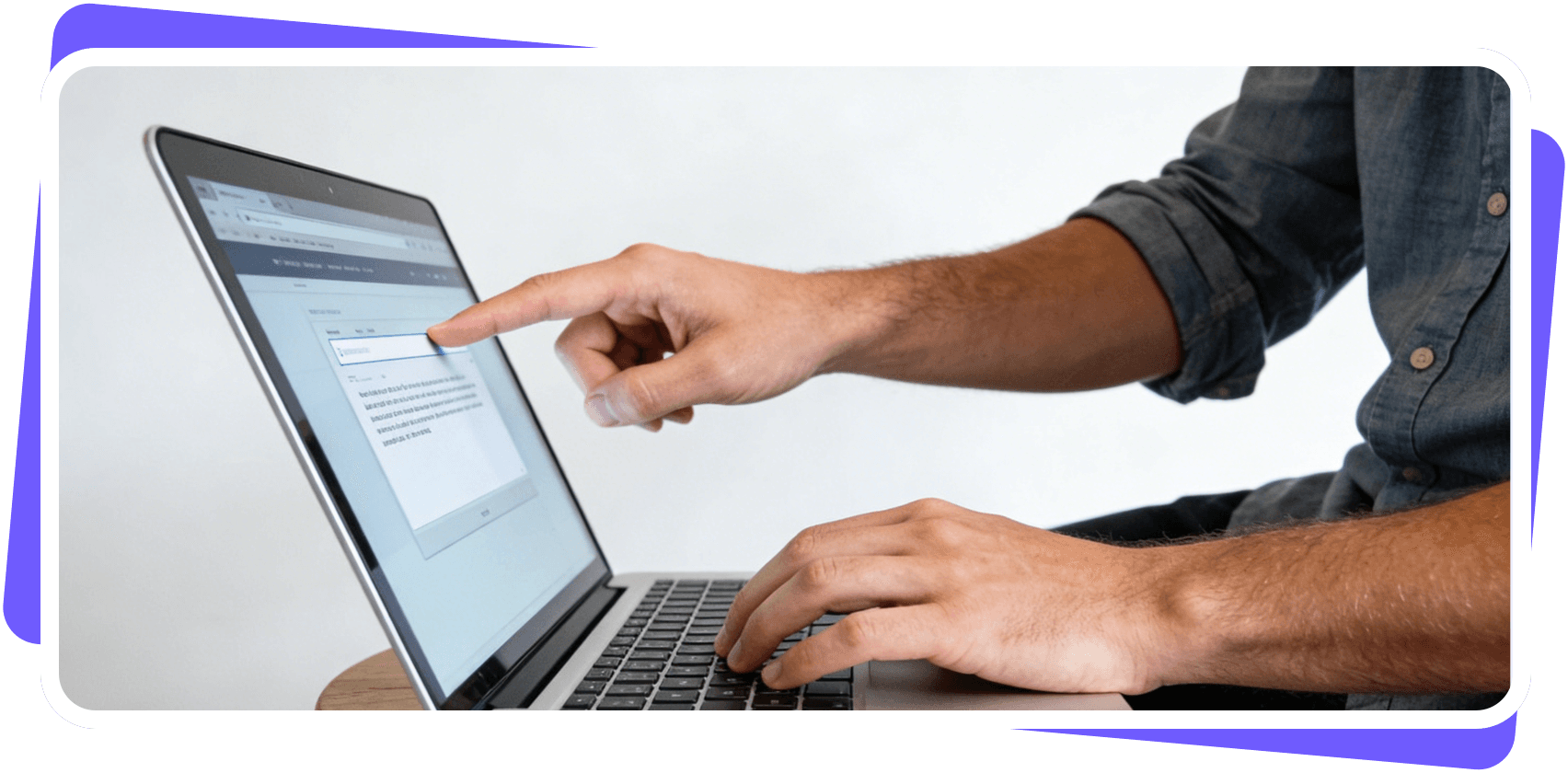
Just chat to our AI like you would to an assistant. Type "John Smith - Website development project, 3 pages designed, 2 hours programming, $150 per hour, total $300." and our engine will turn that text into an invoice instantly. It understands your natural language.

AI Watch the Details
Don't worry about formatting. Our smart AI invoice parser automatically organizes client names, dates, amounts, and taxes into a clean, professional layout. We make sure everything looks perfect and audit-ready before you hit send.


Peace of Mind Tracking
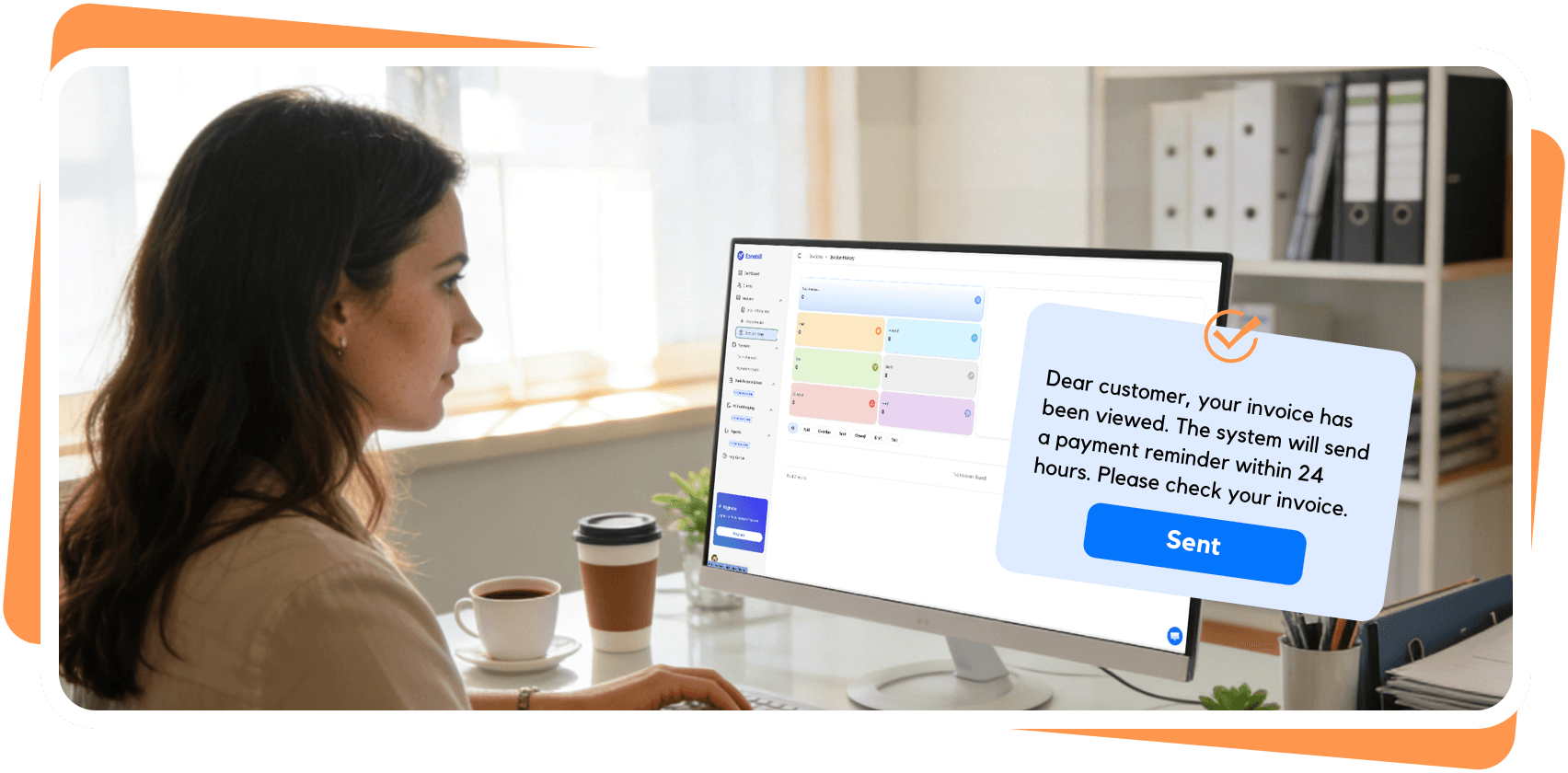
Stop wondering, 'Did they see my email?' Our invoice tracking lets you know when a client opens your invoice. And if payment slips their mind, we'll send a friendly reminder for you.

Forecast Your Cash Flow
Billing isn't the goal—peace of mind is. Eonebill helps you predict when you'll actually get paid, so you can plan your spending with confidence.

Traditional vs. The Eonebill Way
Why spending hours on Excel invoicing templates when the future is here?
Traditional Method
Manual, slow, error-prone
- Manual data entry for every invoice
- Hours of processing time per invoice
- High error rates (15-20%)
- Lost invoices and missed payments
- No visibility into approval status
- Expensive to scale with growth
AI Invoice by Eonebill
Automated, fast, accurate
- Automatic data extraction from any format
- 3 seconds average processing time
- 99% accuracy rate
- Complete audit trail and tracking
- Real-time dashboard and notifications
- Scales effortlessly with your business
Frequently Asked Questions
Everything you need to know about AI Invoice