Free Rent Receipt Template — How to Write a Rent Receipt
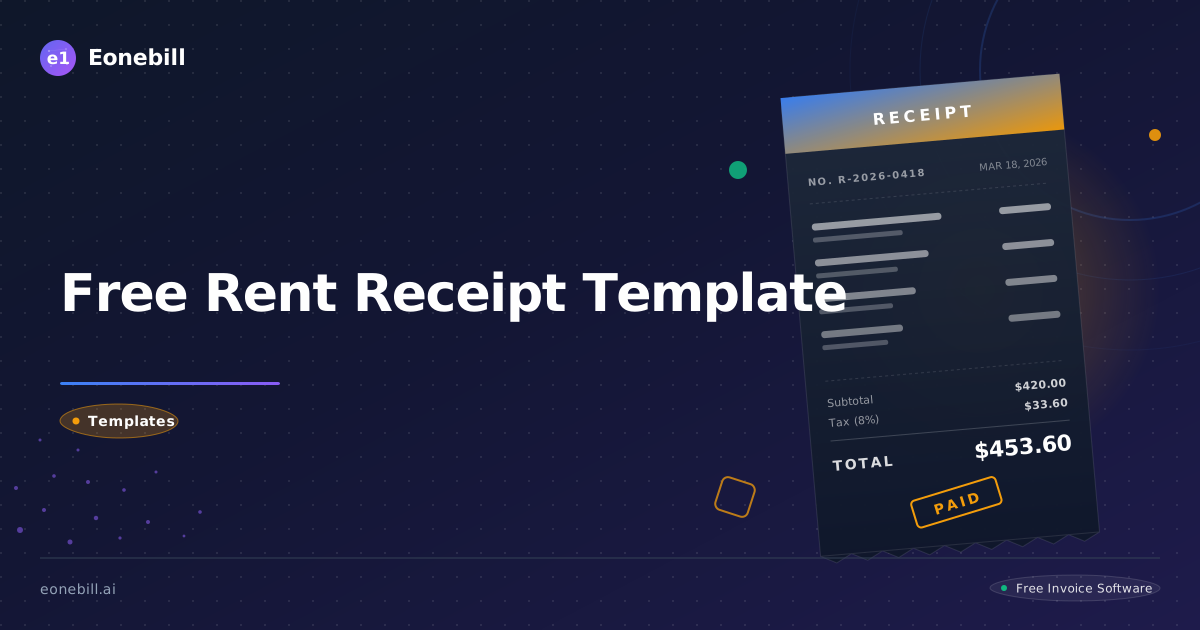
Free Rent Receipt Template — How to Write a Rent Receipt
If you are a landlord or a tenant, a rent receipt is one of the simplest documents you can issue — and one of the most important. A rent receipt is a written record that confirms a tenant has paid rent for a specific period. Whether you collect rent in cash, by check, or via electronic transfer, issuing a receipt every time protects both parties from future disputes and creates a clean paper trail for tax purposes. This guide explains exactly what a rent receipt is, what it should include, how to write one, and how to get a free template today.
What Is a Rent Receipt?
A rent receipt is a formal written acknowledgment from a landlord — or property manager — to a tenant confirming that a rent payment has been received. It records key details such as the amount paid, the date the payment was made, the rental period it covers, and the method of payment. Think of it as your official proof that money changed hands.
From a legal standpoint, rent receipts carry real weight. In some states — including California, Maryland, and Washington — landlords are legally required to provide a written receipt when rent is paid in cash. Even in states where this requirement does not apply, a rent receipt protects both landlord and tenant in the event of a dispute. Without written documentation, it becomes difficult to prove whether rent was ever paid at all.
A wide range of people rely on rent receipts. Landlords use them to document income and keep their books in order. Property managers handling multiple units need them to track which tenants have paid and which have not. Tenants benefit from rent receipts too — particularly those who are self-employed or who deduct home-office rent expenses on their taxes. A rent receipt is the documentation the IRS expects you to have if you are claiming a rent-related tax deduction.
What Should a Rent Receipt Include?
A legally sound, professionally formatted rent receipt should include eight key pieces of information. Getting every field right ensures the document stands up in court if it ever needs to.
1. Date of payment. This is the actual date the landlord received the money — not the due date, not the date it was mailed, but the date the payment was in hand. This field is critical for proving timely payment.
2. Tenant name. The full legal name of the person who made the payment. This ties the receipt directly to the tenant and distinguishes payments when a property has multiple occupants.
3. Landlord or property manager name. The person or entity receiving the rent. If you manage properties under an LLC or management company, use the business name here for consistency with your tax records.
4. Rental property address. The complete address of the rental unit — including unit number if applicable. This is especially important for landlords managing multiple properties. It ensures the receipt is tied to a specific property and not just a name.
5. Payment amount. The exact dollar amount received. Write it out numerically (e.g., $1,450.00) for precision. Some templates also include the amount written in words to eliminate any ambiguity.
6. Payment method. Cash, personal check, cashier's check, money order, Venmo, Zelle, ACH, or another form of electronic funds transfer. This field is particularly important for cash payments because cash leaves no bank record. Specifying the payment method protects landlords and tenants alike.
7. Payment period. The rental period the payment covers — for example, "May 2026 rent" or "June 1–30, 2026." This clarifies that the payment is not a deposit, a late fee, or an advance payment for a different month.
8. Landlord signature. A signed receipt is a valid acknowledgment. Without a signature, some courts may not recognize the document as authoritative. If you manage properties digitally, an electronic signature is equally valid.
How to Write a Rent Receipt: Step-by-Step
Creating a rent receipt does not require legal expertise or special software. Follow these five steps and you can issue a professional receipt in under two minutes.
Step 1 — Download or use a free template. The fastest way to get started is to use a pre-built template designed specifically for rent receipts. Eonebill's free receipt generator lets you fill in a receipt online and download it instantly — no account required. If you prefer a static file you can reuse, download the printable template directly from /receipt-template/rent-receipt.
Step 2 — Fill in tenant and landlord information. Enter the tenant's full legal name and your own name or the name of your property management company. Make sure spelling matches what is on the lease agreement to avoid any inconsistency.
Step 3 — Enter the payment date, amount, and method. Record the date you physically received the payment. Enter the dollar amount to two decimal places. Specify the payment method — "cash," "check #1042," "Zelle," or whatever applies. If payment was by check, noting the check number adds an extra layer of traceability.
Step 4 — Specify the rental period. Make it completely clear which month — or which date range — the payment covers. "May 2026 rent" is unambiguous. "Monthly rent" by itself is not.
Step 5 — Sign and deliver. Sign the receipt and issue a copy to the tenant. If you are delivering in person, hand it over immediately. If you manage remotely, email a PDF copy. Keep your own copy — either printed or as a digital file — for your records. Eonebill's platform makes this easy: generate the receipt, email it directly to the tenant from the app, and store the record automatically.
Free Rent Receipt Template (What to Include)
To see exactly what a completed rent receipt looks like, visit /receipt-template/rent-receipt. The Eonebill rent receipt template is formatted for professional use and includes all eight required fields pre-labeled so you never miss a detail.
Here is what a filled-out rent receipt looks like in practice:
- Receipt Date: May 1, 2026
- Tenant Name: James A. Rivera
- Landlord Name: Sarah K. Chen
- Property Address: 4820 Elmwood Drive, Apt 3B, Austin, TX 78701
- Amount Paid: $1,650.00 (One thousand six hundred fifty dollars)
- Payment Method: Cash
- Rental Period: May 1–31, 2026
- Landlord Signature: [signed]
Every field serves a specific purpose. The property address pins the receipt to a specific unit. The payment period prevents any argument about what month was covered. The payment method matters especially for cash — because without a receipt, a cash payment leaves no independent record. For additional context on what qualifies as a valid receipt under US commercial norms, see the /glossary/receipt entry on Eonebill.
The Eonebill template is available in both printable (PDF) and digital formats. If you manage multiple properties, you can save tenant profiles and pre-fill common fields to speed up the process every month.
Rent Receipt Best Practices for Landlords
Issuing rent receipts is just the beginning. To run a clean, dispute-free rental operation, follow these five best practices.
1. Keep copies of every receipt. This sounds obvious, but many landlords hand over a receipt without saving one themselves. Always retain a copy — digital or printed — in case a tenant later claims they did not pay. Your copy is your evidence.
2. Issue the receipt immediately upon payment. Do not wait until later in the week to send a receipt. Issue it the moment you receive the payment. Delays create confusion about exactly when payment was made and can become a point of dispute.
3. Use a consistent format. Every receipt for every property should look the same and include the same fields. Consistency makes your records easier to audit and makes it clear you run a professional operation. Tenants notice, and so does the IRS.
4. Always include the payment method. This is especially critical for cash transactions. A receipt that says "Amount Paid: $1,200" but does not specify how it was paid leaves room for ambiguity. "Payment Method: Cash" is three words that eliminate an entire category of disputes.
5. Store receipts digitally. Paper fades, gets lost, and does not back itself up. Storing receipts digitally means you can search by tenant, by property, or by date in seconds. Eonebill Pro, starting at $19/month, includes receipt management tools designed for landlords with multiple units — visit /pricing to compare plans and see what fits your portfolio.
Why Digital Rent Receipts Are Better Than Paper
Physical paper receipts have served landlords for generations, but digital receipts offer clear advantages that paper simply cannot match. For landlords managing even two or three units, the difference quickly becomes meaningful.
First, digital receipts are nearly impossible to lose. A paper receipt can be misplaced, damaged, or destroyed. A PDF stored in the cloud — or auto-saved in a platform like Eonebill — is accessible from any device, at any time, even years later. If a tenant disputes a payment from eighteen months ago, you can pull up the original receipt in thirty seconds.
Second, digital receipts are more professional and faster to deliver. Emailing a clean, branded PDF receipt to a tenant immediately after payment sets a professional tone that reflects well on your operation. Tenants are more likely to pay on time when they perceive their landlord as organized and businesslike. There is no printing, no driving, no waiting.
Third, digital receipts create an automatic audit trail. Every receipt generated through Eonebill is logged with a timestamp. This gives you a complete, tamper-evident payment history for every tenant — invaluable for tax preparation, property sales, and any legal dispute. If you are ever audited or need to prove rental income in a loan application, your digital receipt history speaks for itself.
Ready to go paperless? Use Eonebill's free receipt generator to create your first rent receipt online in minutes, or download the ready-to-use rent receipt template and start issuing professional receipts today.
Frequently Asked Questions
What is a rent receipt?
A rent receipt is a written acknowledgment from a landlord to a tenant confirming that rent payment has been received. It records the amount paid, date, payment method, and rental period covered. Both landlords and tenants should keep copies for their records.
Is a rent receipt legally required?
It depends on the state. Some states — including California and Maryland — require landlords to provide a rent receipt when rent is paid in cash. Even when not legally required, issuing rent receipts is considered best practice and protects both parties in the event of a dispute.
What should a rent receipt include?
A complete rent receipt should include the date of payment, tenant name, landlord name, rental property address, amount paid, payment method, rental period covered, and landlord signature. Omitting any of these fields weakens the document's legal and practical value.
How do I write a rent receipt?
You can create a rent receipt in minutes using a free template. Download Eonebill's free rent receipt template from /receipt-template/rent-receipt, fill in the tenant's name, property address, payment date, amount, and method, sign it, and deliver a copy to the tenant. Keep your own copy on file.
Can I use Eonebill for free to create rent receipts?
Yes. Eonebill's free plan lets you create and send professional rent receipts at no cost. Use the free receipt generator at /free-tools/receipt-generator or download the rent receipt template at /receipt-template/rent-receipt. No credit card required to get started.
Ready to manage invoices, contracts & proposals in one place? Try Eonebill free — no credit card required.
Start Free →Frequently Asked Questions
More Posts

Filing Taxes Late: Penalties, Extensions, and How to Catch Up (2026)
Missed the April deadline? Understand the 5 percent failure-to-file vs 0.5 percent failure-to-pay penalty difference, how Form 4868 extensions help, and the four-step protocol for catching up on years of unfiled returns.

Penalties for Not Filing a 1099: What Freelancers and Small Businesses Need to Know (2026)
Failing to file 1099 forms on time triggers escalating IRS penalties from 60 to 660 dollars per form. Learn the four-tier schedule, how to fix a missed filing, and when First-Time Penalty Abatement applies.

How to Write a Gentle Reminder Email (Templates + Examples)
Learn how to write a professional gentle reminder email that gets results. Includes 8 ready-to-use templates for invoices, meetings, deadlines, and more.
Newsletter
Join the community
Subscribe to our newsletter for the latest news and updates