How to Write an Invoice Email: Templates + Tips for Getting...
Write a professional invoice email with clear subject lines, a concise payment request, due date, amount, payment link, and copy-ready examples.
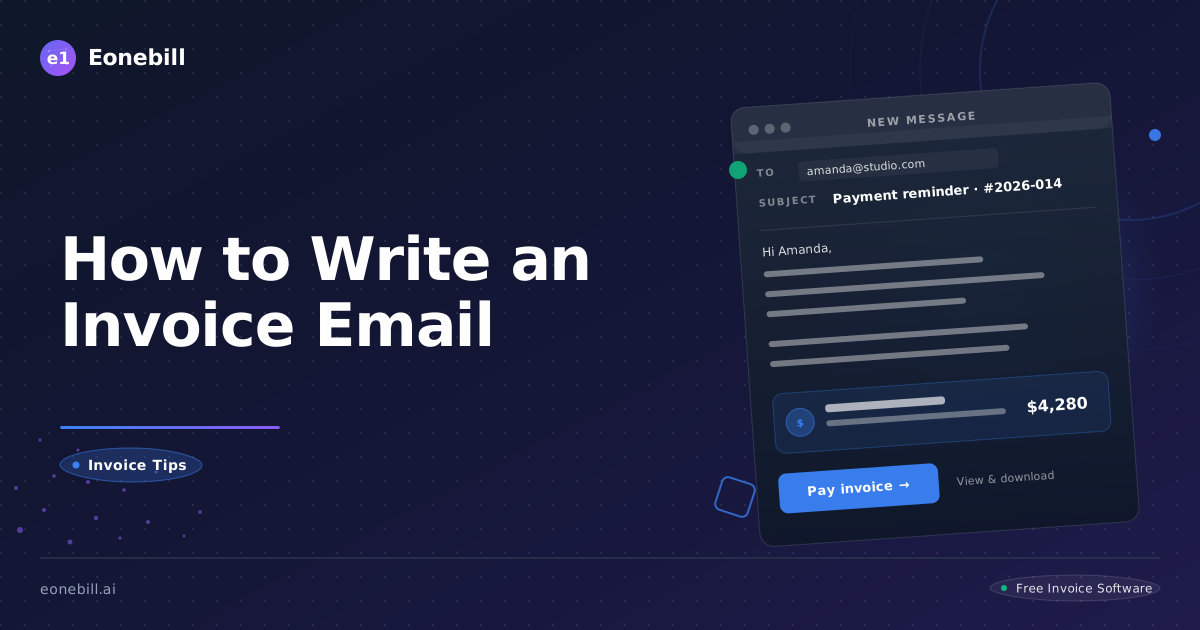
How to Write an Effective Invoice Email
Keep the message short: identify the invoice, state the amount and exact due date, attach the PDF or secure invoice link, provide a payment link, and invite questions. The invoice carries the billing detail; the email makes the next action obvious.
Subject: Invoice INV-1042 from Northstar Studio — Due August 15
Hi Jordan,
Attached is Invoice INV-1042 for $1,850 for the July design work. Payment is due August 15. You can review and pay it here: [secure invoice link].
Please let me know if you need a purchase-order reference or have any questions. Thank you.
Invoice email checklist
- Invoice number and sender
- Amount due and exact due date
- Service period or work summary
- PDF attachment or secure invoice link
- Accepted payment method or payment link
- Contact for billing questions
Sending a great invoice is only half the battle. The email that delivers it is just as important — a sloppy, vague invoice email confuses clients, delays payments, and makes you look unprofessional. A clear, confident invoice email does the opposite: it gets your invoice opened, understood, and paid on time.
This guide covers exactly how to write an invoice email that works, followed by three ready-to-use templates for the most common scenarios.
Why Your Invoice Email Matters
Most freelancers treat the invoice email as an afterthought — just attaching the PDF and hitting send. That's a mistake.
Your invoice email is the first impression your client gets of the billing experience. A professional email signals that you run a tight operation. A vague, apologetic, or confusing email signals that you might be difficult to work with — or worse, that payment might be optional.
The data backs this up: studies show that clients who receive a clear, confident invoice email pay an average of 3–5 days faster than clients who receive a bare-bones email with just an attachment.
The 5 Elements of a Great Invoice Email
Every invoice email you send should contain these five elements:
1. Clear subject line. Include the invoice number, project name, and due date. Example: "Invoice #1042 — Website Redesign — Due March 30 — Brightline Studios."
2. Professional greeting. Address the client by their preferred name. "Hi Sarah" is fine if you're on a first-name basis; "Dear Ms. Chen" is better for formal relationships.
3. Brief context. One sentence explaining what the invoice covers. "Please find attached Invoice #1042 for the website redesign project completed on March 15."
4. Payment details front and center. Due date, total amount, and accepted payment methods. Don't make the client hunt for this.
5. Clear call to action. Direct them to the payment link or attach the invoice with clear instructions on how to pay.
Email Template 1: New Client Invoice
Use this template when you're invoicing a client for the first time, or for a new project.
Subject: Invoice #1042 — Website Redesign — Due April 15 — Brightline Studios
Hi Sarah,
I hope you're happy with the website redesign we delivered last week — it was a pleasure working with you.
Please find attached Invoice #1042 for the website redesign project. The invoice covers the full design and development work completed between February 15 and March 28.
Invoice Total: $4,850.00
Payment Due: April 15, 2026
Accepted Payment: Bank transfer / Credit card via link
You can pay directly via the secure payment link embedded in the PDF, or by bank transfer using the account details on the invoice. Payment is due within 30 days of the invoice date.
If you have any questions about the invoice, please don't hesitate to reach out. I'm happy to walk you through any line items.
Thank you for the opportunity to work together — I look forward to hearing from you.
Best,
Marcus Rivera
Brightline Studios
marcus@brightlinestudios.com
Why this works: This email is warm but professional. It reminds the client of the value delivered, states the payment terms clearly, and makes paying easy. The tone is confident — not apologetic.
Email Template 2: Overdue Payment Reminder
Use this template when an invoice is past due. Start with a friendly nudge; use firmer language only if needed.
Friendly Reminder (Day 1–7 past due)
Subject: Friendly Reminder — Invoice #1039 Past Due (March 31)
Hi David,
I hope this finds you well. I wanted to send a quick reminder that Invoice #1039 for $2,400.00 was due on March 31, and I haven't yet received payment.
I understand things can slip through the cracks during busy periods — I just wanted to bring it to your attention in case it slipped past you.
You can find the invoice attached, or use the payment link to pay directly online. Let me know if you have any questions or if there's anything I can help with on your end.
Thanks so much,
Marcus
Why this works: The tone is friendly and non-confrontational, but the subject line and content make it clear this is a payment reminder. The phrase "I understand things can slip through the cracks" disarms defensiveness without being apologetic.
Firm Reminder (Day 7–14 past due)
Subject: Payment Reminder — Invoice #1039 — 14 Days Overdue
Hi David,
I'm following up on Invoice #1039 ($2,400.00), which was due on March 31 and is now 14 days overdue.
I haven't received payment or any communication about this invoice, and I wanted to check in before escalating the matter. If there are any issues with the invoice — a dispute, a payment processing problem, or a change in billing contact — please let me know as soon as possible so we can resolve it.
If payment has already been sent, please disregard this message and accept my thanks in advance.
Otherwise, I kindly request that payment be made by April 14, 2026 to avoid any further follow-up on my end.
You can pay via the attached invoice or contact me directly for the secure payment link.
Best,
Marcus Rivera
Brightline Studios
Why this works: This email is firm without being aggressive. It sets a clear deadline, opens the door for the client to communicate if there's a legitimate issue, and signals that further action will follow if unpaid.
Final Notice (Day 30+ past due)
Subject: Final Notice — Invoice #1039 — Payment Due by April 21 or Further Action Will Be Taken
David,
This is a formal final notice regarding Invoice #1039 for $2,400.00, which was due on March 31 and is now 30 days overdue.
Despite two previous reminders, no payment or explanation has been received. Unless payment of $2,400.00 is received by April 21, 2026, I will have no choice but to engage a collections process to recover the funds owed, in accordance with the terms agreed upon in our project contract.
I sincerely hope it does not come to that. If there is a genuine reason payment hasn't been made — a dispute, a financial hardship, a change in your company's circumstances — please contact me immediately so we can find a resolution.
Payment can be made via bank transfer or the secure payment link in the original invoice.
Regards,
Marcus Rivera
Brightline Studios
Why this works: This email is appropriately serious. It documents the repeated attempts to collect, states the consequences clearly, and gives the client a final deadline. It also leaves the door open for a legitimate dispute to be raised — which protects you legally if the matter escalates.
Email Template 3: Follow-Up After Sending Invoice
Use this template when a client has received your invoice but hasn't acknowledged it, and you want a polite check-in (especially useful for larger invoices or corporate clients).
Subject: Quick Check-In — Invoice #1050 for Q1 Consulting — April 7
Hi Jennifer,
I wanted to make sure Invoice #1050 for $7,200.00 reached you without issue. I sent it over on April 2 but haven't heard back yet, and I just wanted to check in.
I know Q1 billing cycles can be busy on your end — happy to schedule a quick call if you'd like to review the invoice together or discuss payment timing.
Otherwise, the payment is due by April 30, 2026, and you can pay via the secure link in the PDF or by bank transfer.
Let me know!
Marcus
Why this works: This email is light and friendly but reinforces the invoice details and deadline. It also offers to hop on a call, which is a good relationship-maintaining move for high-value clients.
Pro Tips for Invoice Email Success
Send invoices immediately after delivery
The longer you wait to invoice, the easier it is for a client to mentally disconnect the work from the payment. Invoice the same day you deliver — or better yet, use milestone billing for larger projects and invoice as you hit milestones.
Use your own email template
Once you find a template that works for your client base, save it as a draft or email template in your email client. Consistency in billing communication reinforces your professionalism.
Always include the payment due date in the subject line
This is one of the highest-impact changes you can make. When the due date is in the subject line, the client sees it before they even open the email. It also makes the invoice easy to find in their inbox later.
Follow up automatically
If you're manually following up on invoices, you're going to forget sometimes — and it'll always feel awkward when you do remember. Eonebill automates payment reminders at 1, 7, and 30 days past due, so you never have to send an awkward follow-up again.
Never apologize for invoicing
You did the work. You deserve to be paid. Your tone should reflect that confidence. An apologetic email — "I'm sorry to bother you with this, but..." — signals that you're not sure you're entitled to the payment. You are. Write accordingly.
How Eonebill Makes This Easier
Eonebill automates the entire invoice email workflow. When you generate an invoice with AI, Eonebill generates a professional, ready-to-send email alongside it. You can send the invoice directly from the platform with a payment link — no PDF attachment required. Clients click, pay, and you get notified when the payment clears.
Payment reminders go out automatically on your schedule. You never have to send an awkward follow-up email again.
Ready to stop chasing payments? Start your free Eonebill account and send your first AI-generated invoice in under 60 seconds.
Create this in 30 seconds — free invoice with Eonebill, no sign-up required.
Create Free Invoice →Frequently Asked Questions
More Posts

Filing Taxes Late: Penalties, Extensions, and How to Catch Up (2026)
Missed the April deadline? Understand the 5 percent failure-to-file vs 0.5 percent failure-to-pay penalty difference, how Form 4868 extensions help, and the four-step protocol for catching up on years of unfiled returns.

Penalties for Not Filing a 1099: What Freelancers and Small Businesses Need to Know (2026)
Failing to file 1099 forms on time triggers escalating IRS penalties from 60 to 660 dollars per form. Learn the four-tier schedule, how to fix a missed filing, and when First-Time Penalty Abatement applies.

How to Write a Gentle Reminder Email (Templates + Examples)
Learn how to write a professional gentle reminder email that gets results. Includes 8 ready-to-use templates for invoices, meetings, deadlines, and more.
Newsletter
Join the community
Subscribe to our newsletter for the latest news and updates
Ready to streamline your freelance workflow?